



AI for the General Public
The advisor copies the request into a generic AI tool. The response is well-written, but it doesn’t know your terms, your current rates, or your tone, and the customer’s data ends up in a service you don’t control.




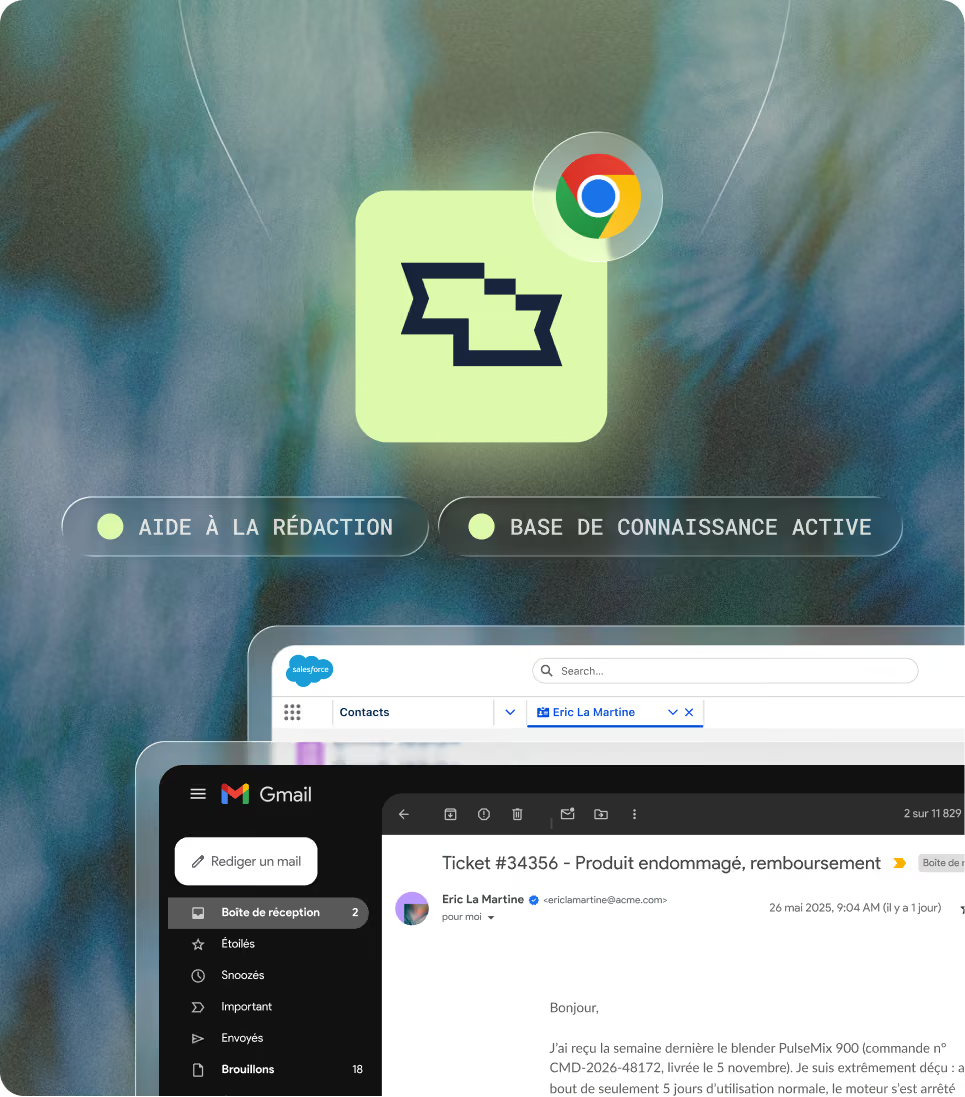
Smart Copilot is the AI assistant for Smart Tribune’s customer service representatives. It reads the customer’s request, searches for the answer in your validated knowledge base, and drafts a well-sourced, ready-to-send response within your representatives’ tools. The representative reviews, edits, and retains control.


Your customers have their own chatbot on your website. Your support agents have theirs. Smart Copilot answers their questions in natural language, summarizes the customer’s request, and drafts a response to the email or open ticket based on your validated knowledge base—which is managed once in Smart Dashboard. A procedure that changes in the morning is reflected in the responses by the afternoon.
An AI advisor is artificial intelligence software that assists customer service representatives as they handle a request: it finds information, rephrases the customer’s question, suggests a written response, and summarizes the conversation. It is also referred to as an “assisted agent.”
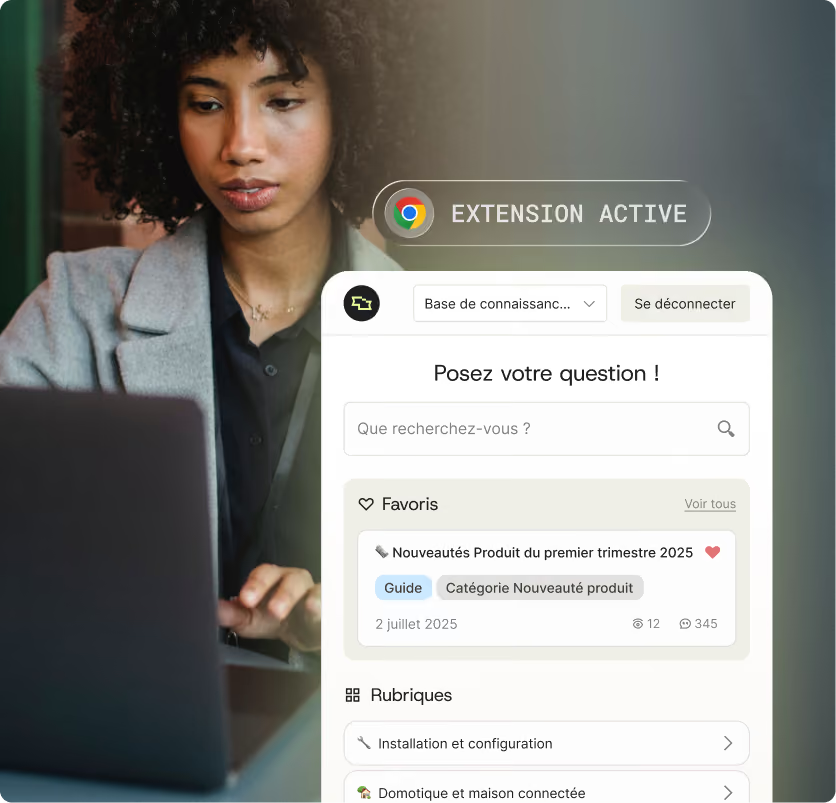
Unlike a customer chatbot, it never speaks directly to the customer—it works alongside the agent, who retains control over the response. Smart Copilot is Smart Tribune’s AI agent assistant. It draws on Smart Knowledge, your teams’ knowledge base, and Trust AI, Smart Tribune’s agent-based RAG engine, via a Chrome and Edge extension.
For a customer relationship manager, the difference isn't technical. It's measured in processing time, first-time resolution rates, and customer data that stays with you.


The advisor copies the request into a generic AI tool. The response is well-written, but it doesn’t know your terms, your current rates, or your tone, and the customer’s data ends up in a service you don’t control.
The AI module provided by the CRM or contact center platform vendor. It summarizes the record and suggests actions, but it only responds within its own tool, based on data from that tool.
Designed for customer service, it provides responses across all of the agent’s tools based on a validated knowledge base, cites its sources, admits when it doesn’t know the answer, and escalates unanswered questions.
Four capabilities that deliver on a single promise: accurate responses, drafted faster, right within the tools your advisors already use.
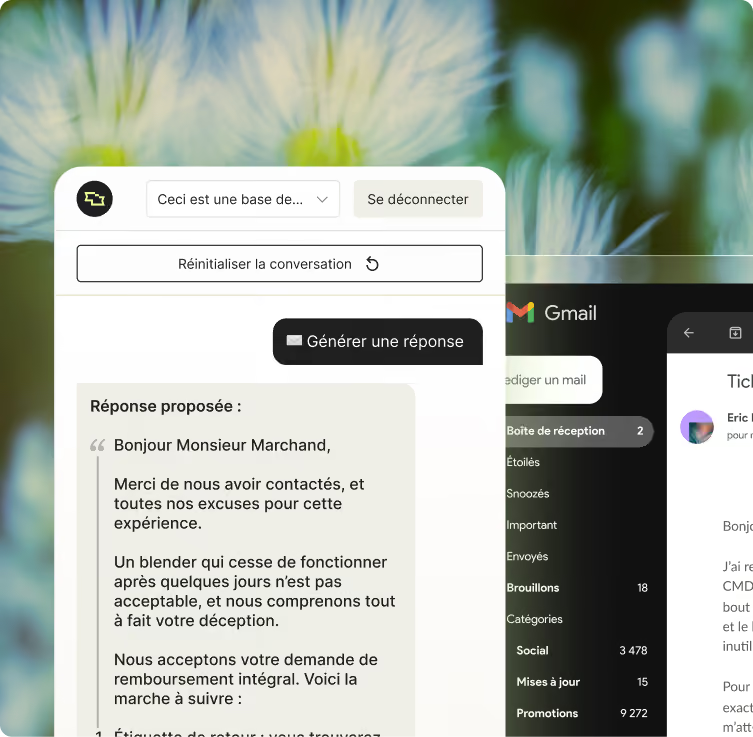
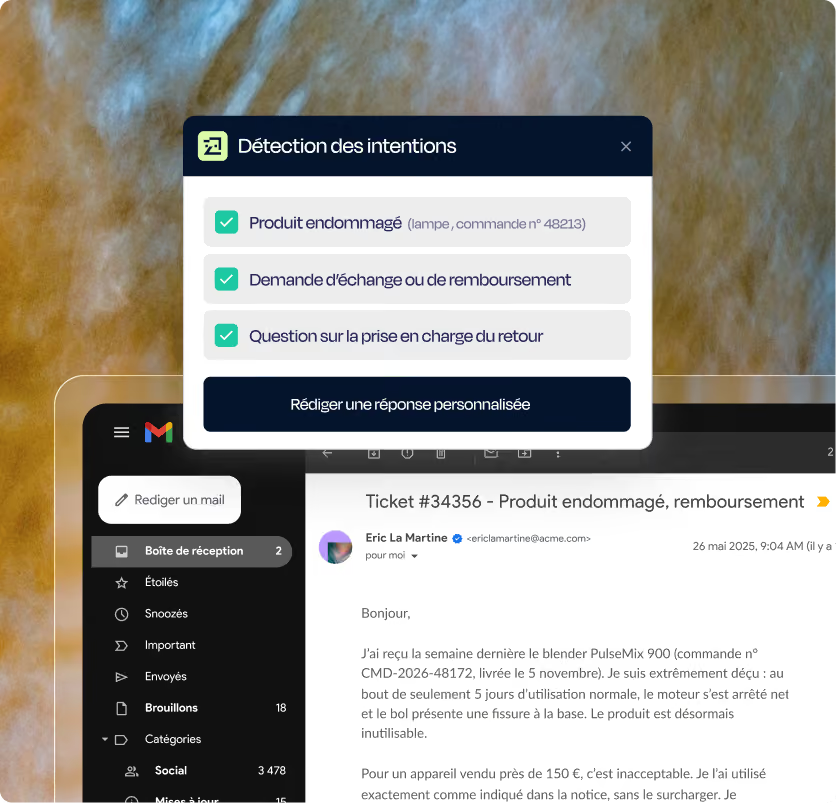
From the open ticket or email, click “Generate a Response.” Smart Copilot reads what’s on the screen, rephrases the customer’s intentions into clear points—even when the email is long, confusing, or expresses dissatisfaction—searches the knowledge base, and drafts a structured, point-by-point response.
Elements that address the customer’s intent are bolded, and source articles are cited. Your brand’s tone, phrasing, and signature can be configured during deployment. Any changes to the knowledge base are reflected in the next generation of responses.
The agent types their question just as they would ask a colleague: “What documentation is required for a change of account holder?” Smart Copilot responds within seconds with the answer and source articles, without putting the customer on hold. It’s the advisors’ internal chatbot, powered by the same database as your FAQ and customer chatbot. If the answer isn’t in the database, it says so instead of making something up.
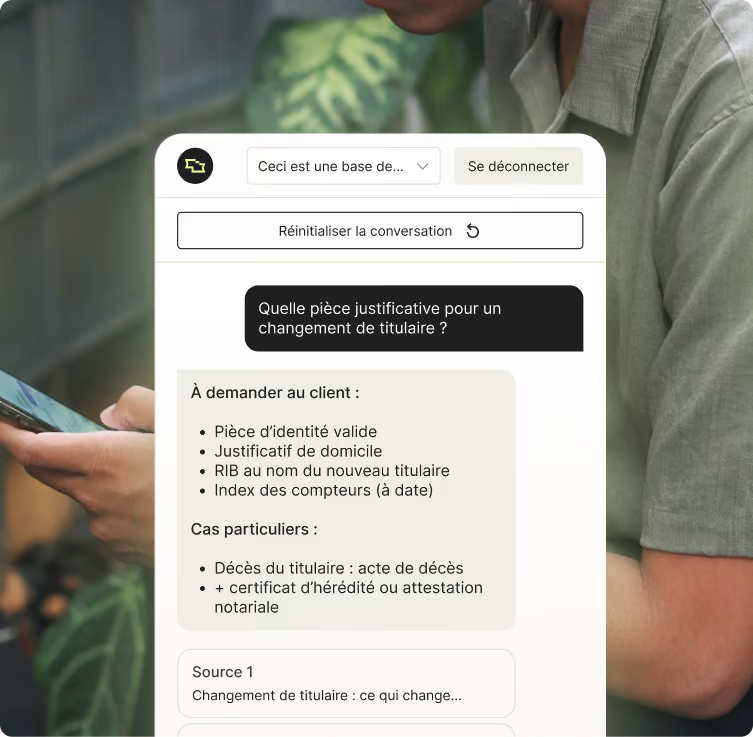
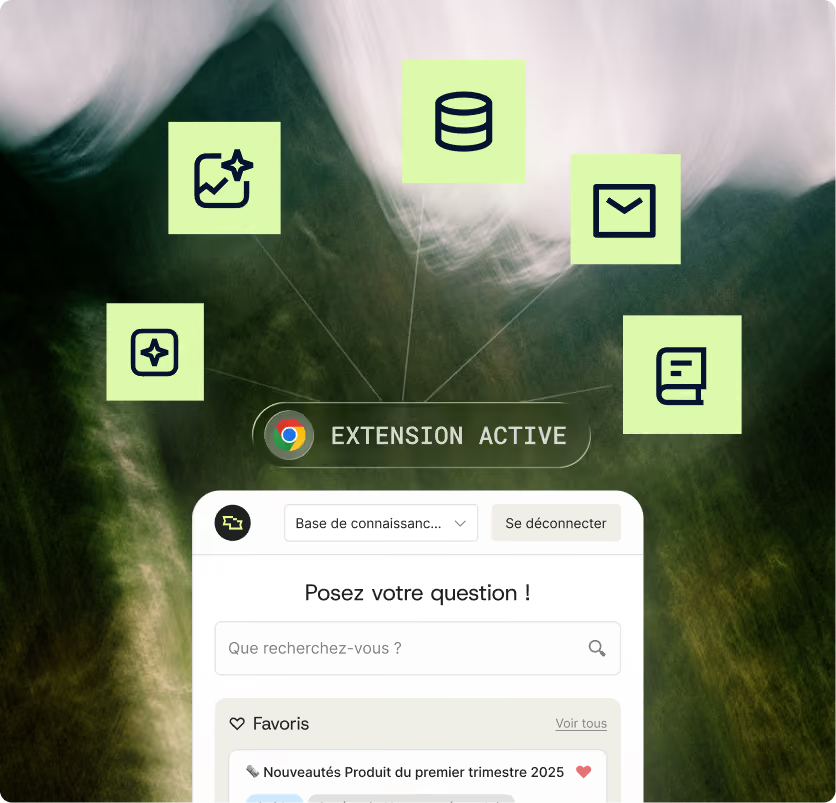
Smart Copilot is a Chrome and Edge extension. It can be installed from the Chrome Web Store and opens in a sidebar within any tool accessible via the browser: Salesforce, Zendesk, Easiware, Gmail, Microsoft 365, or your intranet. No tool-specific development or integration projects are required to get started. In Salesforce, depending on the configuration, the generated response is automatically inserted into the response form. The extension adopts the design of your Smart Knowledge or a custom design.
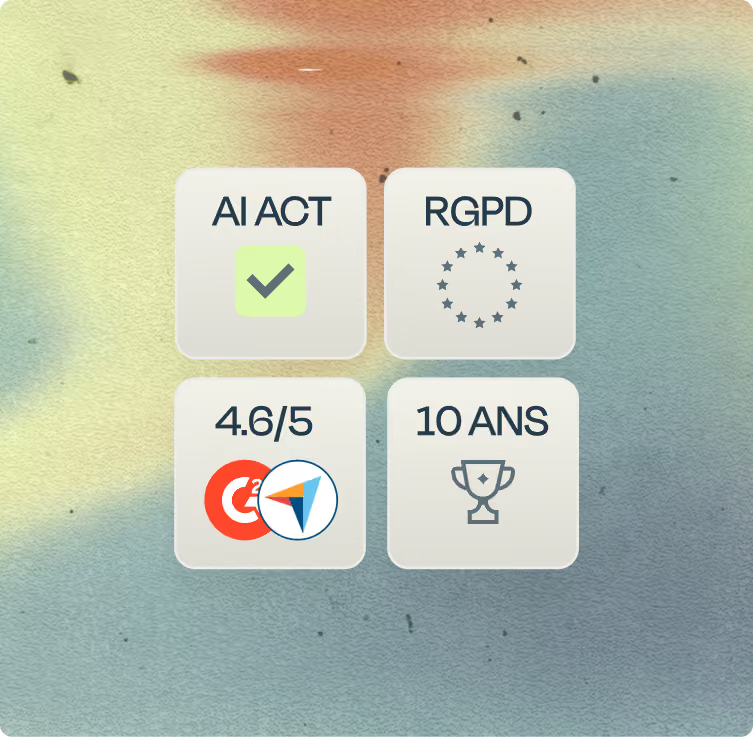
Smart Copilot analyzes only what is visible on the advisor’s screen. Personal data (name, email, address, card number) is anonymized before the language model is called upon. No data is retained after processing or used to train third-party models. The service is hosted in France, and every step of the Trust AI workflow—from reading the request to generating the response—can be monitored by your teams.
Smart Copilot isn't an AI system connected to your raw documents—it's an interface for your knowledge. The same foundation powers your advisor knowledge base, your dynamic FAQ, and your customer service chatbot, all managed in Smart Dashboard. The reliability of the responses comes from the quality of the database that powers it.
Your procedures, offers, terms and conditions, and documents are centralized in Smart Knowledge and approved by your subject matter experts. It serves as the single source of truth for customer service—the same source used by agents, the FAQ, and the chatbot.
Your advisors install the extension and find Smart Copilot among their tools. Trust AI searches the database for the answer, generates it, and cites the source. The advisor reviews and customizes it before sending it.
Unanswered questions, answers reviewed by advisors, and feedback are uploaded to Smart Dashboard. Your knowledge managers can see what’s missing and fill in the gaps in the knowledge base.
Smart Tribune supports 170 companies and has deployed more than 600 projects. For customer service representatives, here are the results observed among clients using the Knowledge Suite for Representatives, Smart Knowledge, and Smart Copilot.
Representatives spend half as much time searching, handle each request faster, and resolve more requests on the first contact. A new representative becomes self-sufficient twice as quickly because their initial written responses are already on par with the rest of the team.
84% advisor satisfaction
-50% reduction in search time
-20% reduction in average processing time
A customer requests a model, a price, insurance, and return policy in the same message. Smart Copilot rephrases the four requests, drafts a response in four sections—each point backed by a source—with key terms in bold. The advisor reviews it in thirty seconds and sends it.
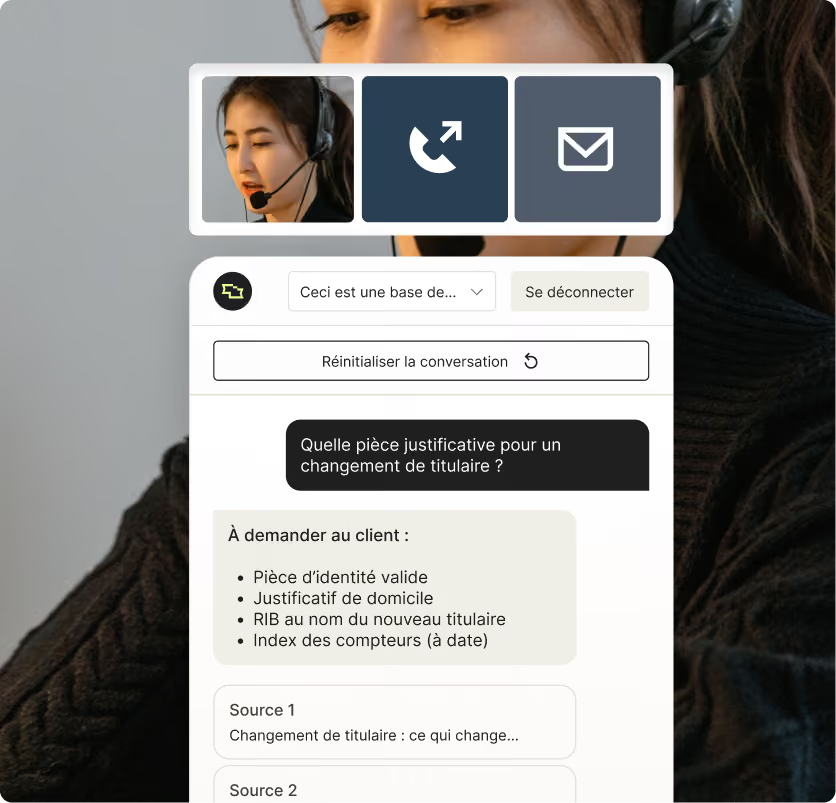
The customer is on the line, and the representative needs to confirm which documents to provide. The representative types the question into the extension, next to the CRM. The answer appears along with the source article. The representative reads it to the customer without putting the call on hold.



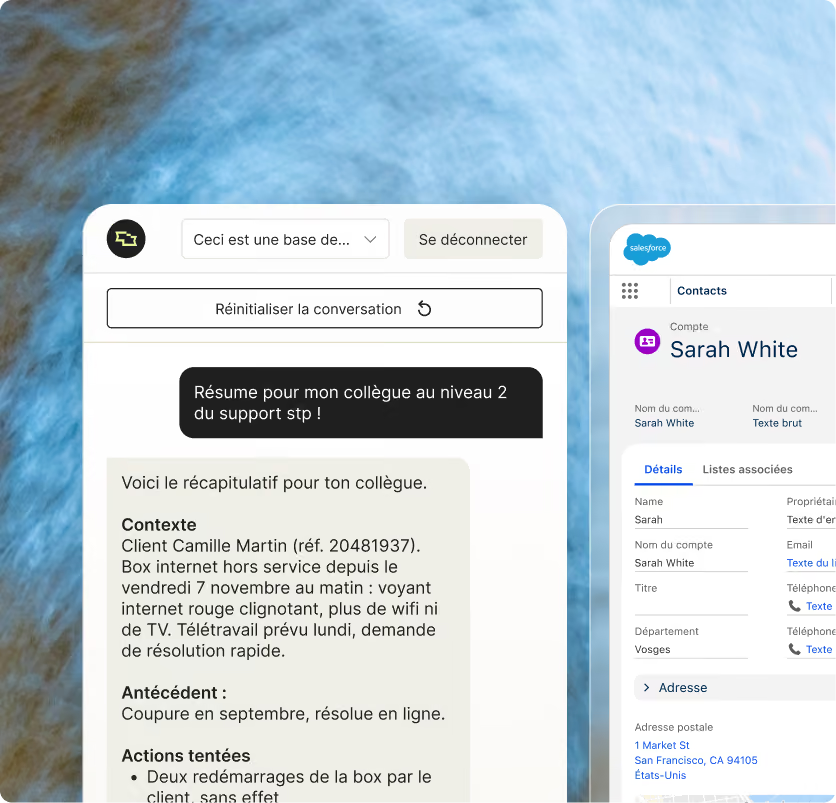
Before handling a complex case, the advisor has the conversation summarized: background, actions taken, and next steps. The summary is attached to the ticket, and Level 2 support starts with a clean file instead of having to read through ten messages.
During the first week, a new advisor isn’t yet familiar with the procedures. They ask Smart Copilot questions, using the resources provided to learn, and their initial written responses are already on par with the rest of the team. That’s what cuts the onboarding time in half.
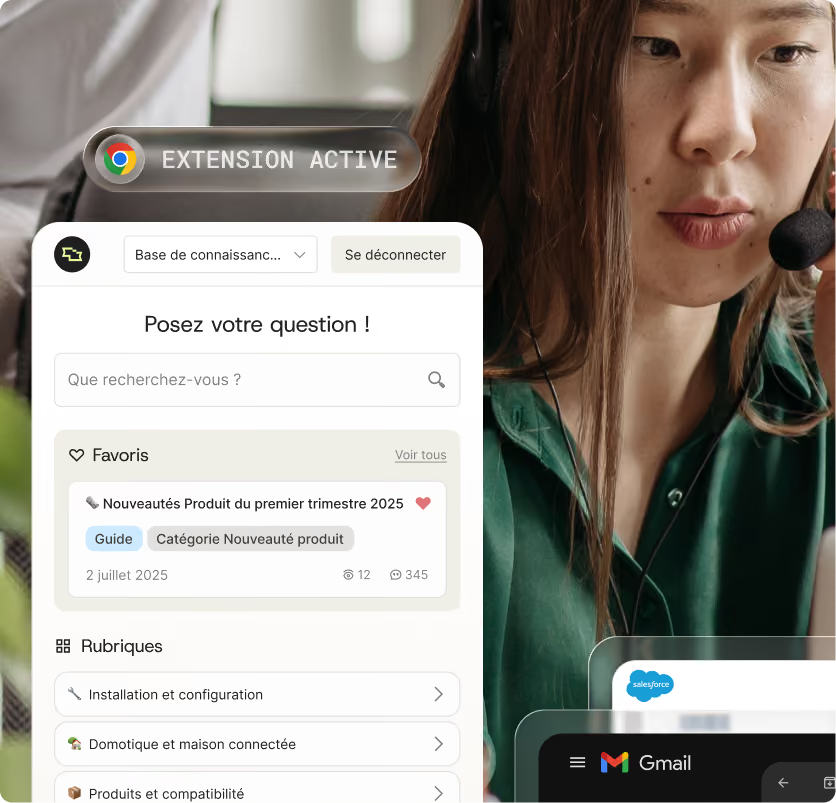
Most AI assistants fail for the same reason: the agent doesn’t trust them, or they aren’t available where the agent works.
According to the 2026 AI Observatory survey conducted by Smart Tribune and Sens du client among 435 customer service professionals, 31% of agents already use personal AI tools not provided by their company. The need is there; what’s missing is an assistant that responds based on your knowledge, within your tools, and according to your rules.

 A plausible answer, without a sourceThe rules you need to repeat every timeCustomer data copied to a third-party service
 An answer sourced from your database, or "I don't know"Set your tone and rules once and for allAnonymized data that is not retained and is hosted in France
At every stage, a dedicated project team supports you: a knowledge project manager, a technical project manager, and a Customer Success Manager. The workshops cover an assessment of your content, the tone of the generated responses, team permissions, and change management for advisors.
A team, a scope of knowledge, and the most common use cases, with metrics established at the outset: processing time, adoption rate, and advisor satisfaction.
Other teams, other channels (email, chat, phone), configuring your tools, and enriching the database with unanswered questions.
All teams are fully equipped, with multiple brands or countries as needed, and the metrics are tracked in Smart Dashboard with your CSM.
Before comparing AI assistants for advisors, ask each vendor these six questions


